
Safeguarding Children: Learning from Serious Case Reviews – Staff Training Presentation
A ready-to-deliver 75-minute session on what serious case reviews teach us, with 28 slides and full speaker notes.
28 slides · 75 minutes · full speaker notes


A ready-to-deliver 60-minute staff training session on online safeguarding for children’s homes, supported accommodation and residential teams. 22 professionally designed PowerPoint slides with full speaker notes on every slide.
Four slides from the session, so you can see the design and the tone. The download includes the full deck and the speaker notes that sit under every slide.
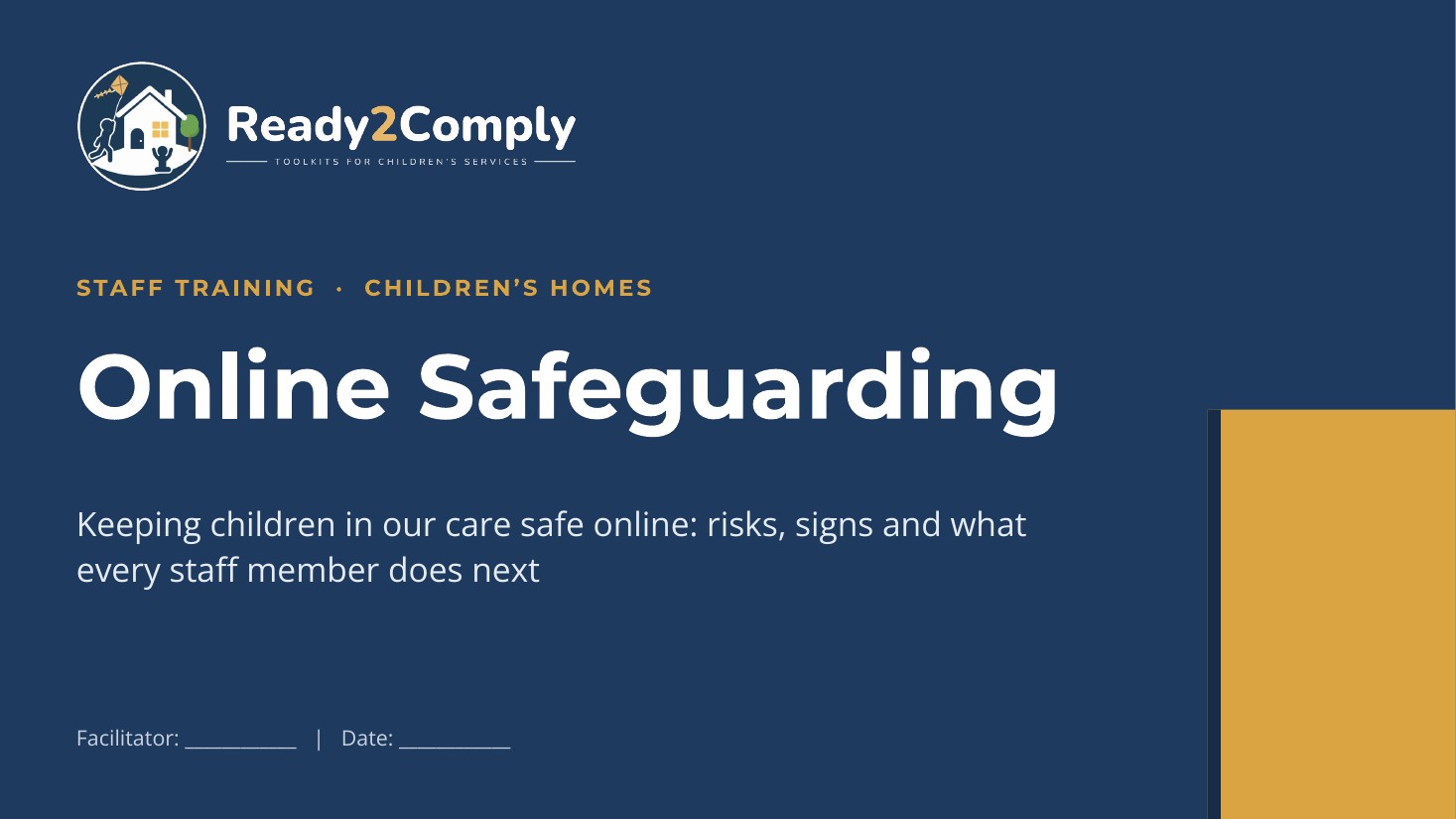
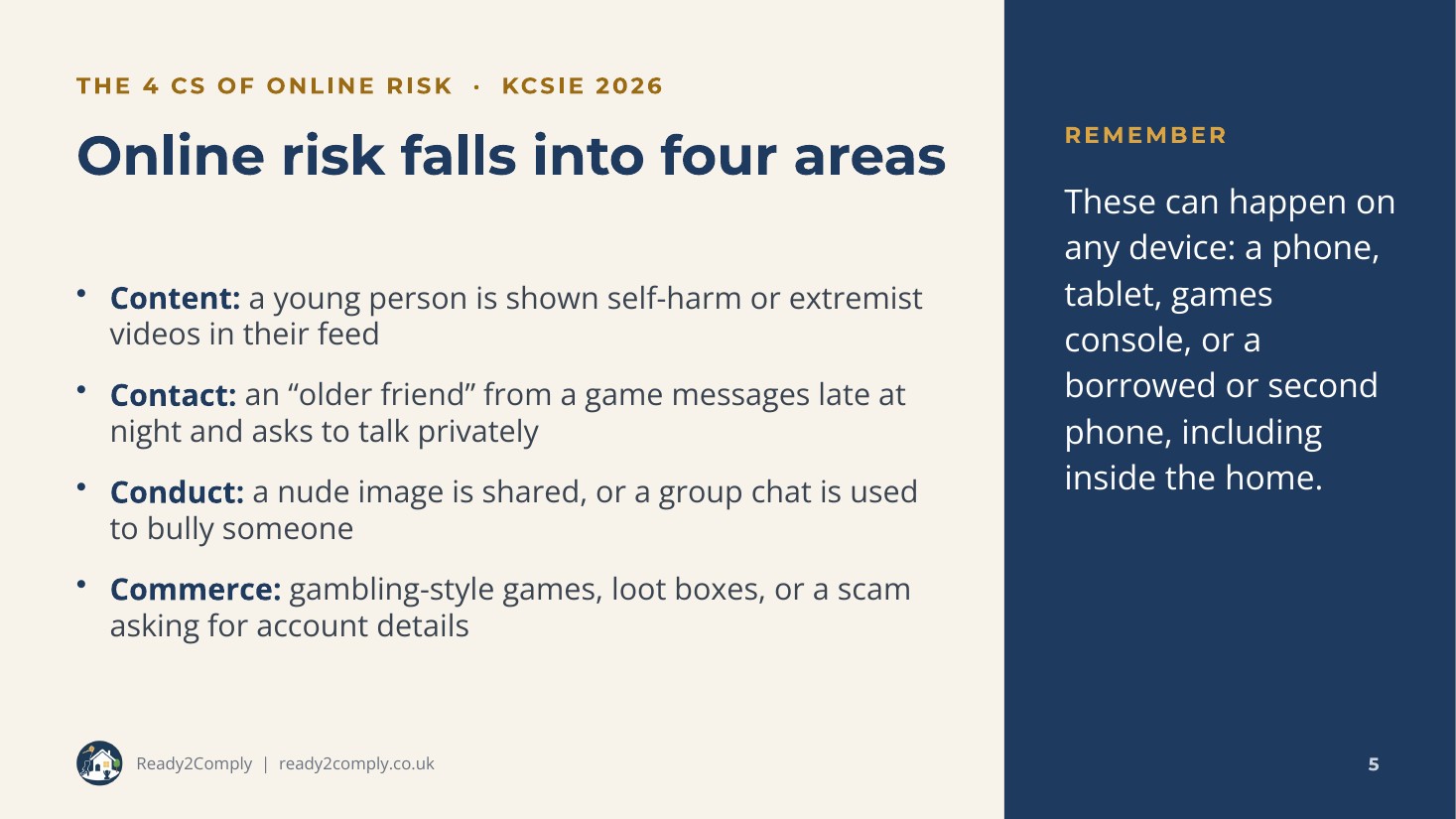
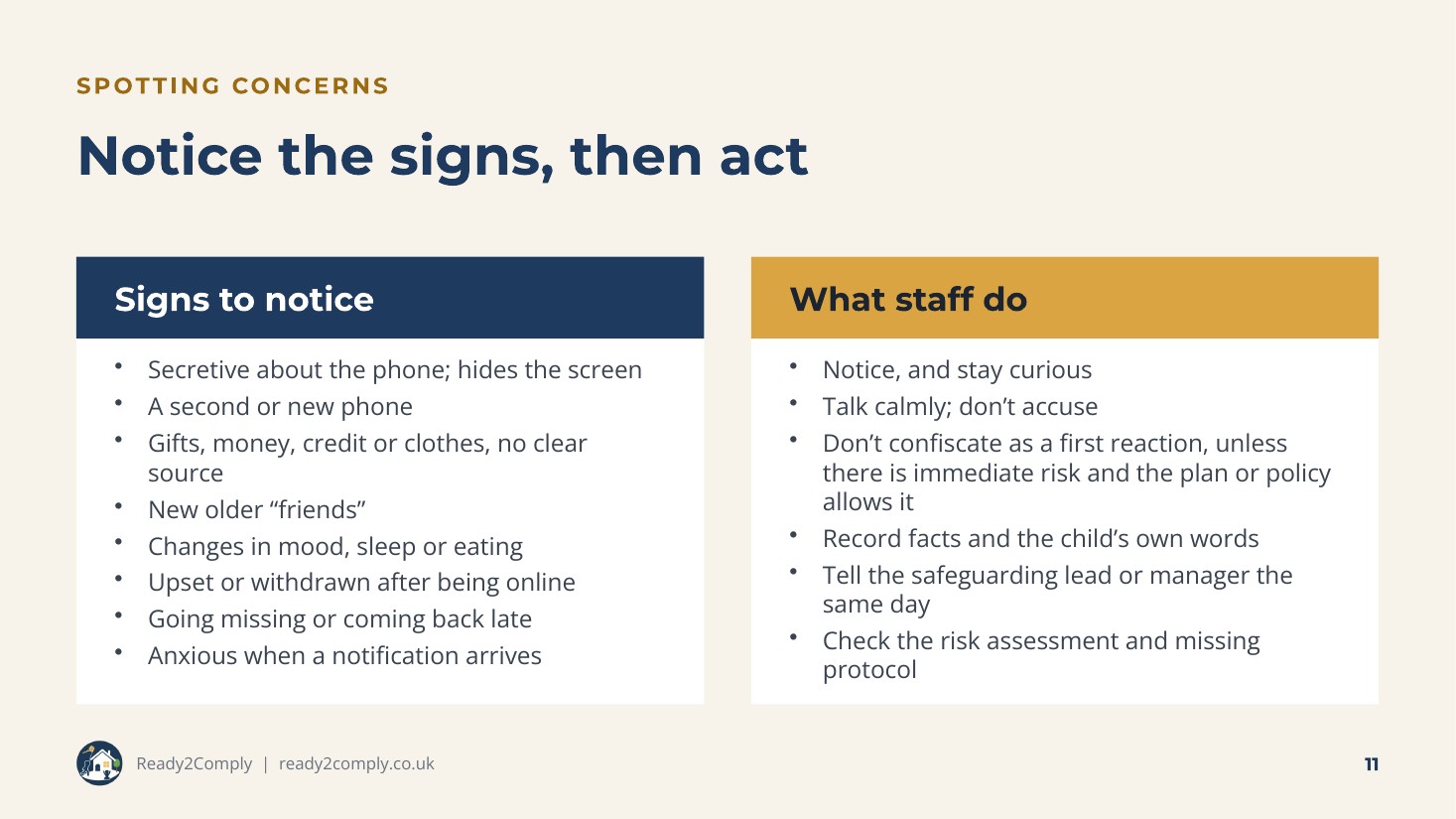
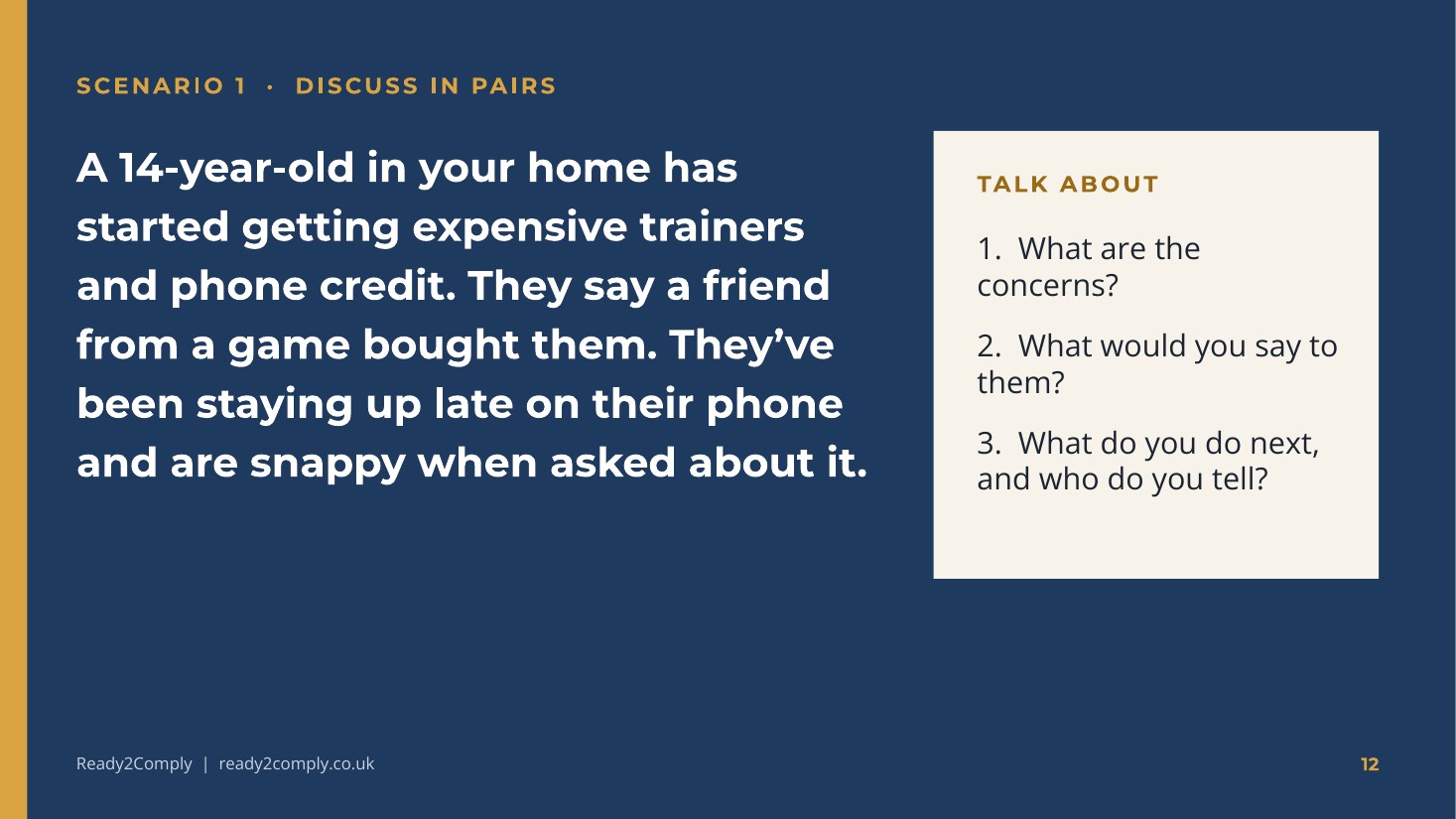
This session is written so any manager or senior can deliver it confidently. Every slide has speaker notes with timings, a script, and, where they are needed, discussion prompts and model answers. It is fully editable, so you can add your logo and local procedures.
| Version | Date | What changed |
|---|---|---|
| v1.0 | November 2026 | Checked against the regulations and guidance listed on this page. |
Free updates for 12 months. If the rules change, buyers are emailed a new download link. See updates in the terms of sale.
Pay through a secure Payhip checkout. No account or subscription needed.
Your download link arrives by email, with the editable PowerPoint file and its speaker notes.
Add your logo, adapt the wording to your service, and use the speaker notes to run the session.
These presentations support good practice. They don’t replace professional judgement, local safeguarding procedures or a regulated qualification, and they don’t guarantee any inspection outcome. Read the disclaimer.
Yes. The PowerPoint file is fully editable, so you can add your logo, local contacts and your own procedures. Keep the meaning of the statutory guidance if you edit those slides.
It is written so a registered manager, deputy, senior or designated safeguarding lead can deliver it. Every slide has speaker notes with timings, a script and, where they are needed, discussion prompts and a model answer.
No. It is a ready-to-deliver staff training session for your own team, not a regulated or accredited qualification.
An editable PowerPoint (.pptx) file, sent by email straight after payment. The bundle is a zip of the two presentations. You will need Microsoft PowerPoint or another app that opens .pptx files, such as Google Slides or Apple Keynote. Some formatting may look different in those apps.
One purchase covers one home: one registered children’s home, one supported accommodation service, or one independent trainer’s own practice with a single service. If you run more than one home, email [email protected] for multi-home pricing. See the licence page.
It is written as a 60-minute session. The speaker notes include timings so you can keep to that, or you can leave more time for discussion if you want to.
No. The session is written for a staff team and does not include graphic images or graphic case detail.
No. Nobody can honestly promise that. Our toolkits are designed to support good practice and help you organise and evidence the work you’re already doing. Outcomes depend on the care children receive. Please read our disclaimer.
Pay through the secure Payhip checkout and your download link arrives by email straight away. There’s no account or subscription. If it doesn’t arrive, check your junk folder or email [email protected].
One purchase covers one home: one registered children’s home, one supported accommodation service, or one independent Reg 44 visitor’s own practice. Everyone who works in that home or service can use, edit and print the files. If you run several homes, buy one copy for each, or email [email protected] for multi-home pricing. You can’t resell, publish or distribute the files. See the terms of sale.
Email [email protected] and we’ll put it right. Your rights under UK consumer law are not affected.
Yes. Updates are free for 12 months from the date you buy. If the regulations or official guidance change in a way that affects a product, we update it and email everyone who bought it in the last 12 months a new download link. Each product page shows its version number and a short change log.
Need a session written for your home, or something we don’t already sell? We also take on custom work and consultancy.
A ready-to-deliver 75-minute session on what serious case reviews teach us, with 28 slides and full speaker notes.
28 slides · 75 minutes · full speaker notes
Both staff training presentations in one download, saving £19.
2 presentations · 50 slides · full speaker notes
Help young people spot fake profiles and blackmail, and know it’s never their fault, with colourful sessions, scenario cards and a conversation-aid quiz.
Editable Word pack: worker’s guide, 4 sessions, 12 scenario cards, Stop, Block, Tell plan, quiz and record sheets
Help young people understand the risks on Snapchat, with colourful sessions, scenario cards and a conversation-aid quiz.
Editable Word pack: worker’s guide, 4 sessions, 12 scenario cards, quiz and record sheets
A practical two-page checklist for registered managers: what to keep ready for the independent person’s monthly visit, even when it’s unannounced. Editable Word file.


